
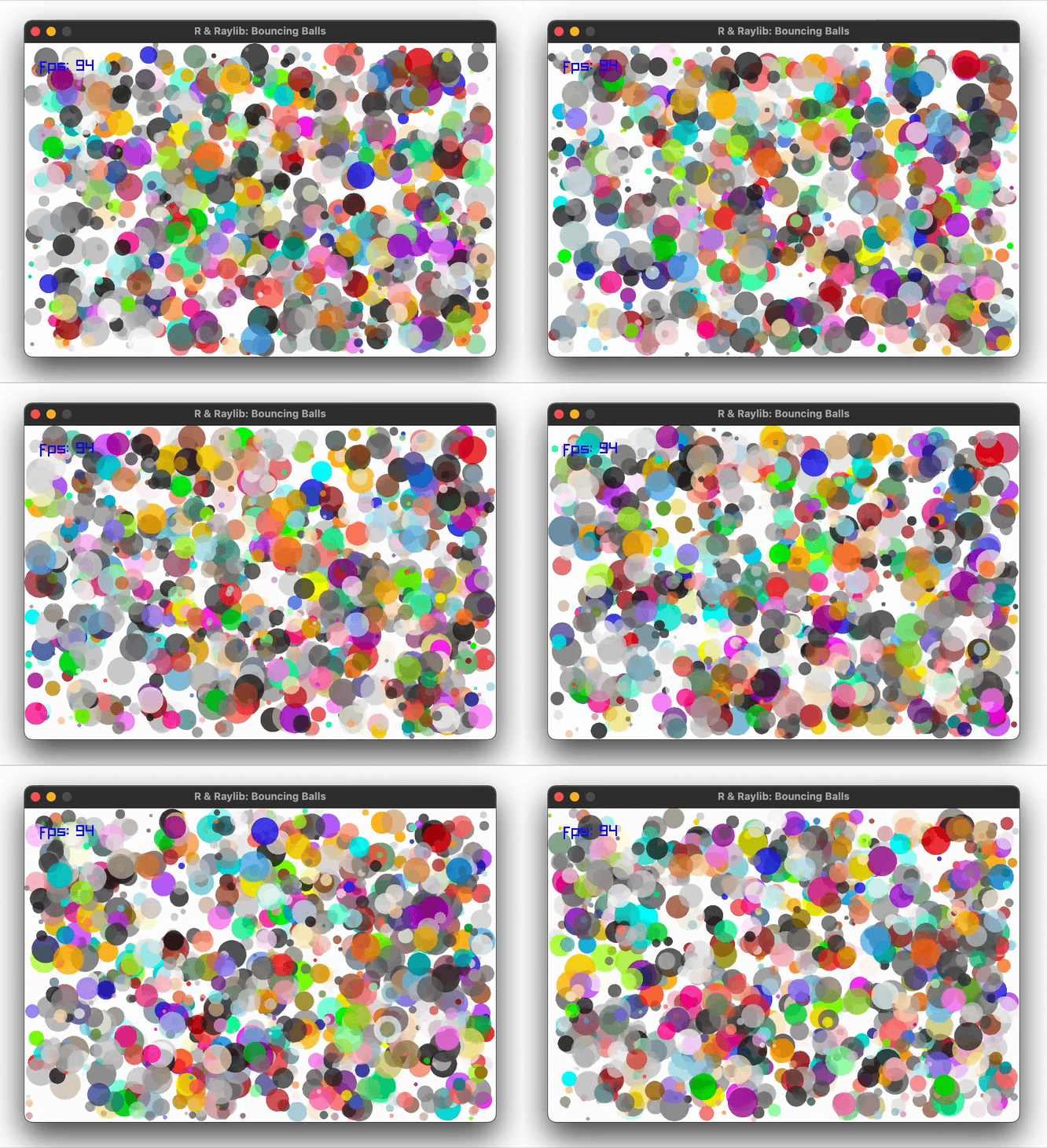
One thousand balls with random sizes, positions, velocities, and
colors bounce around a window with simple wall-collision physics. The
entire frame is rendered in two vectorized calls —
draw_circle() receives numeric vectors for all positions,
sizes, and colors at once — demonstrating how raylibr’s C++-level
vectorization keeps R code concise while maintaining high frame
rates.
Run
demo("balls", package = "raylibr")Source code
library(raylibr)

width <- 600
height <- 400
n <- 1000

sizes <- runif(n, 2, 20)
xs <- runif(n, sizes, width - sizes)
ys <- runif(n, sizes, height - sizes)
dxs <- rnorm(n)
dys <- rnorm(n)
cs <- sample(colors(), n, replace = TRUE)
cs <- lapply(cs, fade, 0.7)

set_target_fps(100)
init_window(width, height, "R & Raylib: Bouncing Balls")

while (!window_should_close()) {
  xs <- xs + (dxs / 2)
  ys <- ys + (dys / 2)
  oobx <- (xs >= (width - sizes)) | (xs <= sizes)
  ooby <- (ys >= (height - sizes)) | (ys <= sizes)
  dxs[oobx] <- dxs[oobx] * -1
  dys[ooby] <- dys[ooby] * -1
  xs <- xs + (dxs / 2)
  ys <- ys + (dys / 2)

  begin_drawing()
  clear_background("white")
  draw_circle(xs, ys, sizes, cs)
  draw_text(paste0("fps: ", get_fps()), 20, 20, 20, "blue")
  end_drawing()
}

close_window()