
The simplest raylibr demo: open a window, draw a pulsing set of
concentric circles, and fade two text labels in and out using
sin() over time. It demonstrates the core game loop
(begin_drawing() / end_drawing()), vectorized
draw_circle() and draw_text() calls,
fade() for transparency, and draw_fps() for a
frame-rate overlay.
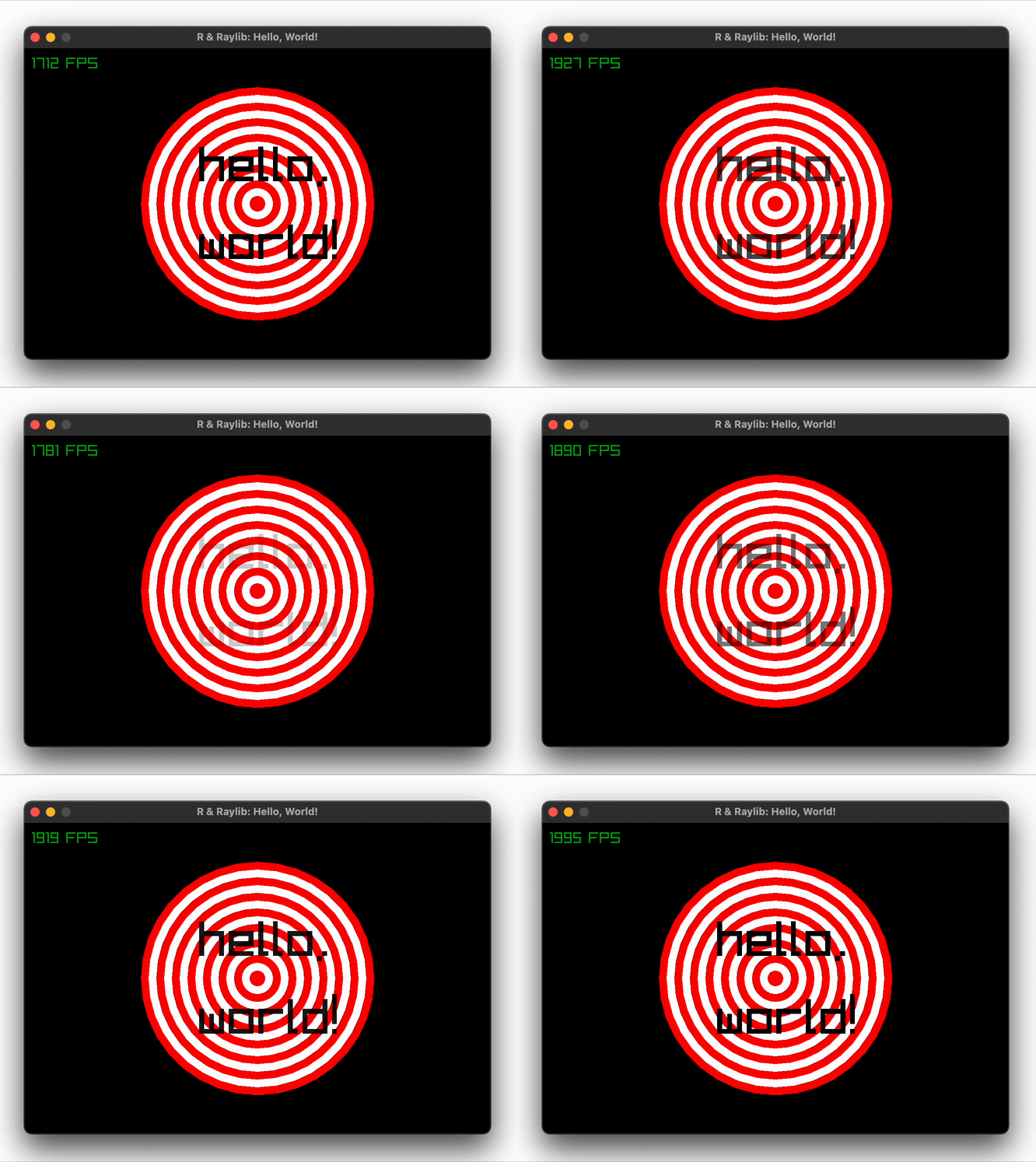
Run
demo("helloworld", package = "raylibr")Source code
library(raylibr)

init_window(600, 400, "R & Raylib: Hello, World!")

while (!window_should_close()) {
  alpha <- abs(sin(get_time()))
  begin_drawing()
  clear_background("black")
  draw_circle(300, 200, seq(150, 10, by = -10), c("red", "white"))
  draw_text(c("hello,", "world!"), 225, c(120, 220), 64, fade("black", alpha))
  draw_fps(10, 10)
  end_drawing()
}

close_window()